Documentation
AI Job Matching System
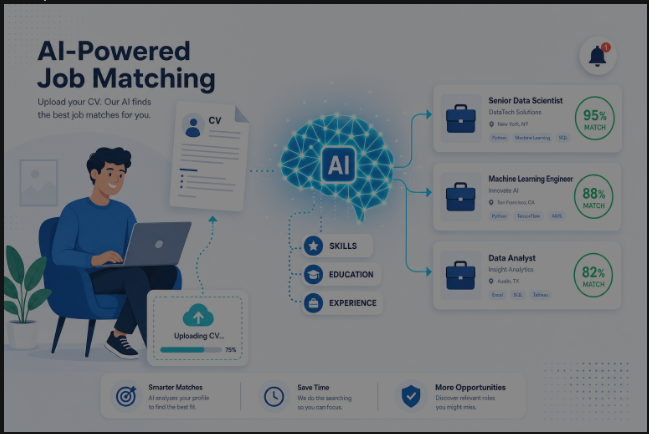
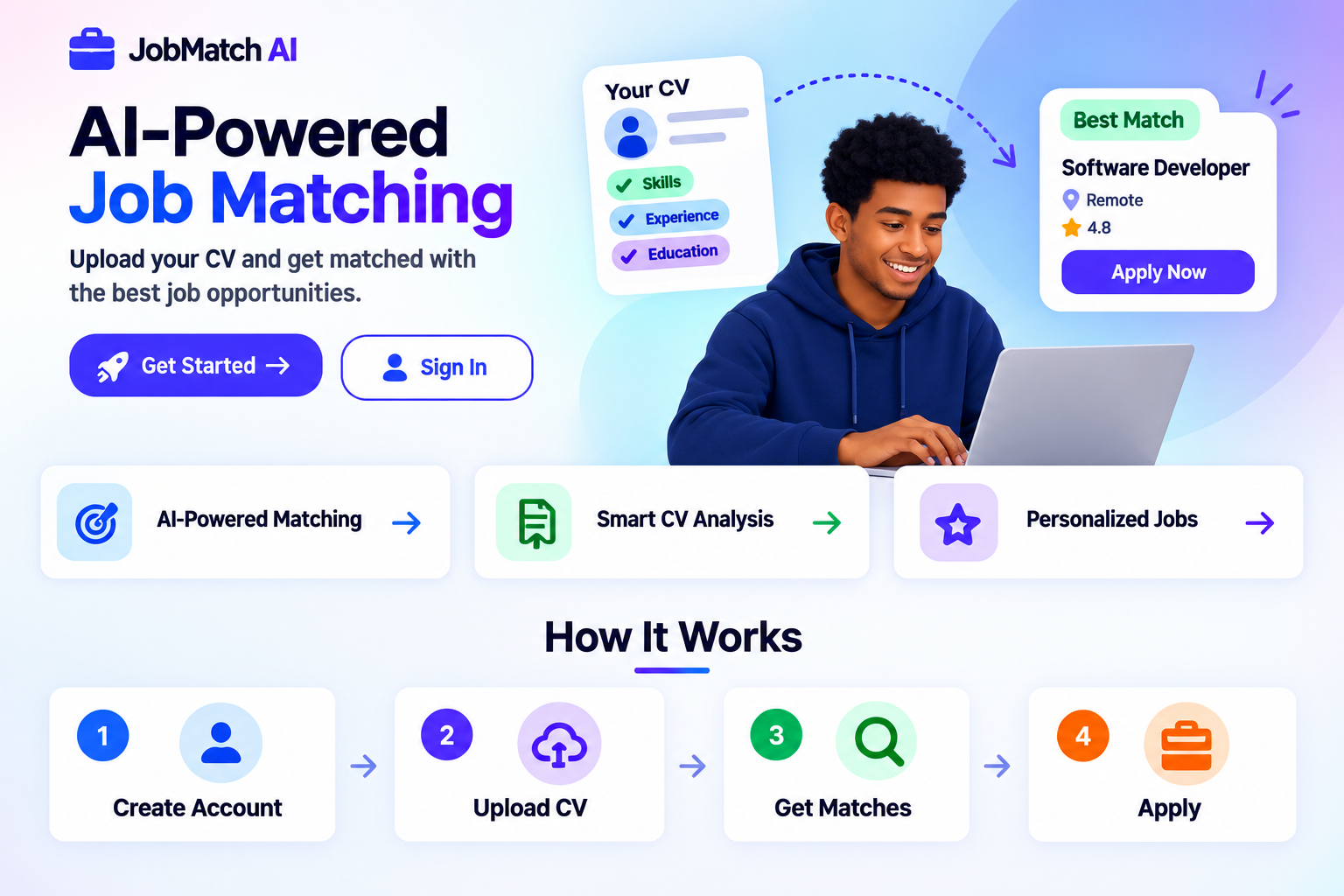
An intelligent job matching platform that uses artificial intelligence to connect job seekers with relevant opportunities based on their skills, experience, and preferences.
🚀 Features
For Job Seekers
- Smart CV Analysis: AI-powered extraction of skills, experience, and qualifications from your CV
- Intelligent Job Matching: Semantic matching algorithms to find the best job opportunities
- Personalized Recommendations: Tailored job suggestions based on your profile
- Application Tracking: Monitor your application status and get notified of updates
- Skill Gap Analysis: Identify skills you need to develop for your dream jobs
For Employers
- Automated Candidate Screening: AI-powered ranking of candidates based on job requirements
- Market Intelligence: Salary benchmarking and skill availability analysis
- Streamlined Hiring: Integrated tools for managing the recruitment process
- Quality Candidates: Access to pre-qualified, matched candidates
🏗️ Architecture
The system consists of three main components:
Frontend (Next.js + TypeScript + Tailwind CSS)
- Modern, responsive user interface
- Real-time updates and notifications
- Mobile-friendly design
- Type-safe development with TypeScript
Backend (Python + FastAPI)
- RESTful API with comprehensive endpoints
- AI/ML-powered processing pipeline
- Secure authentication with JWT
- Scalable architecture
Job Collector
- Automated job aggregation from multiple sources
- Data cleaning and deduplication
- Scheduled execution
- Extensible source integrations
📋 Prerequisites
- Python 3.11+
- Node.js 18+
- Docker (optional, for containerized deployment)
🛠️ Installation
Quick Setup (Recommended)
Use the provided setup scripts to quickly set up the entire project:
Linux/Mac:
chmod +x scripts/setup.sh
./scripts/setup.sh
Windows:
scripts\setup.bat
Manual Setup
Backend Setup
- Navigate to the backend directory:
cd backend
- Create a virtual environment:
python -m venv venv
source venv/bin/activate  # On Windows: venv\Scripts\activate
- Install dependencies:
pip install -r requirements.txt
- Set up environment variables:
# Edit .env with your configuration
# The .env file is already created with default values
- Initialize the database:
cd ../database
python seed.py
- Run the backend server:
cd ../backend
uvicorn app.main:app --reload --host 0.0.0.0 --port 8000
Frontend Setup
- Navigate to the frontend directory:
cd frontend
- Install dependencies:
npm install
- Run the development server:
npm run dev
The frontend will be available at http://localhost:3000
Job Collector Setup
- Navigate to the job collector directory:
cd job-collector
- Create a virtual environment:
python -m venv venv
source venv/bin/activate  # On Windows: venv\Scripts\activate
- Install dependencies:
pip install -r requirements.txt
- Run the job collector:
python main.py
🐳 Docker Deployment
For easy deployment, use Docker Compose:
docker-compose up --build
This will start:
- Backend API on port 8000
- Frontend on port 3000
- PostgreSQL database
- Job collector service
Render Deployment
The repository includes a render.yaml Blueprint for deploying the frontend, backend, and PostgreSQL database.
- Push the repository to GitHub or GitLab.
- In Render, choose New > Blueprint and select the repository.
- Review the services, then apply the Blueprint.
- After the services deploy, open the frontend service URL. The frontend proxies
/apirequests to the backend service. - Add
OPENAI_API_KEYand any email, SMS, or Telegram credentials in the backend service environment if those features are needed.
The free web services can spin down when idle, so the first request after inactivity may take longer. The free filesystem is ephemeral: uploaded CV files should not be treated as permanent storage. For production CV retention, update CVService to use object storage such as S3-compatible storage. The job collector is disabled in the Blueprint because a free Render web service is not a reliable scheduled worker; run it from a paid worker/cron service or another scheduler and point its DATABASE_URL at the Render database.
Render's free PostgreSQL availability and retention rules can change. If the Blueprint does not offer a free database in your account, create a supported PostgreSQL database separately and set the backend DATABASE_URL environment variable to its connection string.
📖 API Documentation
Comprehensive API documentation is available in the docs/api-documentation.md file.
Key endpoints:
- Authentication:
/api/auth/* - User Management:
/api/users/* - CV Management:
/api/cv/* - Jobs:
/api/jobs/* - Matching:
/api/matching/* - Notifications:
/api/notifications/*
🤖 AI Components
The system uses several AI/ML components:
- CV Analysis: Extracts structured information from unstructured CV text
- Skill Extraction: Identifies and categorizes skills from CV text
- Job Analysis: Analyzes job descriptions to extract requirements
- Semantic Matching: Calculates compatibility between CVs and jobs
- Text Embeddings: Generates vector representations for semantic analysis
- Match Ranking: Ranks and filters job matches for optimal results
Detailed documentation is available in docs/ai-model.md.
🗄️ Database
The system uses SQLite by default (for development) and can be configured to use PostgreSQL for production.
Database Schema
users- User accounts and profilescvs- User uploaded CVsjobs- Job postingsskills- Skills catalogmatches- Job matching resultsnotifications- User notifications
Migrations
Database migrations are managed in the database/migrations/ directory.
Run migrations:
python database/migrations/001_initial_schema.py
Seed the database with sample data:
python database/seed.py
🔧 Configuration
Backend Configuration
Edit backend/app/config/settings.py to configure:
- Database connection
- JWT settings
- File upload settings
- AI/ML API keys
- Email/SMS settings
Frontend Configuration
Edit frontend/package.json and environment variables to configure:
- API endpoints
- Feature flags
- Analytics settings
🧪 Testing
Backend Tests
cd backend
pytest
Frontend Tests
cd frontend
npm test
Run All Tests
# Backend
cd backend && pytest

# Frontend
cd frontend && npm test
📚 Documentation
- System Architecture
- API Documentation
- AI Model Documentation
- Ideation Process
🤝 Contributing
Contributions are welcome! Please follow these steps:
- Fork the repository
- Create a feature branch (
git checkout -b feature/amazing-feature) - Commit your changes (
git commit -m 'Add some amazing feature') - Push to the branch (
git push origin feature/amazing-feature) - Open a Pull Request
� License
This project is licensed under the MIT License.
🙏 Acknowledgments
- Built with modern web technologies
- Inspired by the need for intelligent job matching
- Uses open-source AI/ML libraries
📞 Support
For support, please open an issue in the GitHub repository or contact the development team.
🗺️ Roadmap
Phase 1: Foundation (Current)
- ✅ Basic authentication
- ✅ CV upload and analysis
- ✅ Job collection system
- ✅ Basic matching algorithm
- ✅ User dashboard
Phase 2: Core Features
- ⏳ Advanced semantic matching
- ⏳ Machine learning models
- ⏳ Personalized recommendations
- ⏳ Employer portal
Phase 3: Advanced Features
- ⏳ Real-time notifications
- ⏳ Video interviewing
- ⏳ Skill assessment tests
- ⏳ Mobile applications
Phase 4: Ecosystem
- ⏳ API integrations
- ⏳ Third-party job boards
- ⏳ Career coaching
- ⏳ Salary optimization
Built with ❤️ using modern web technologies and artificial intelligence.