Documentation
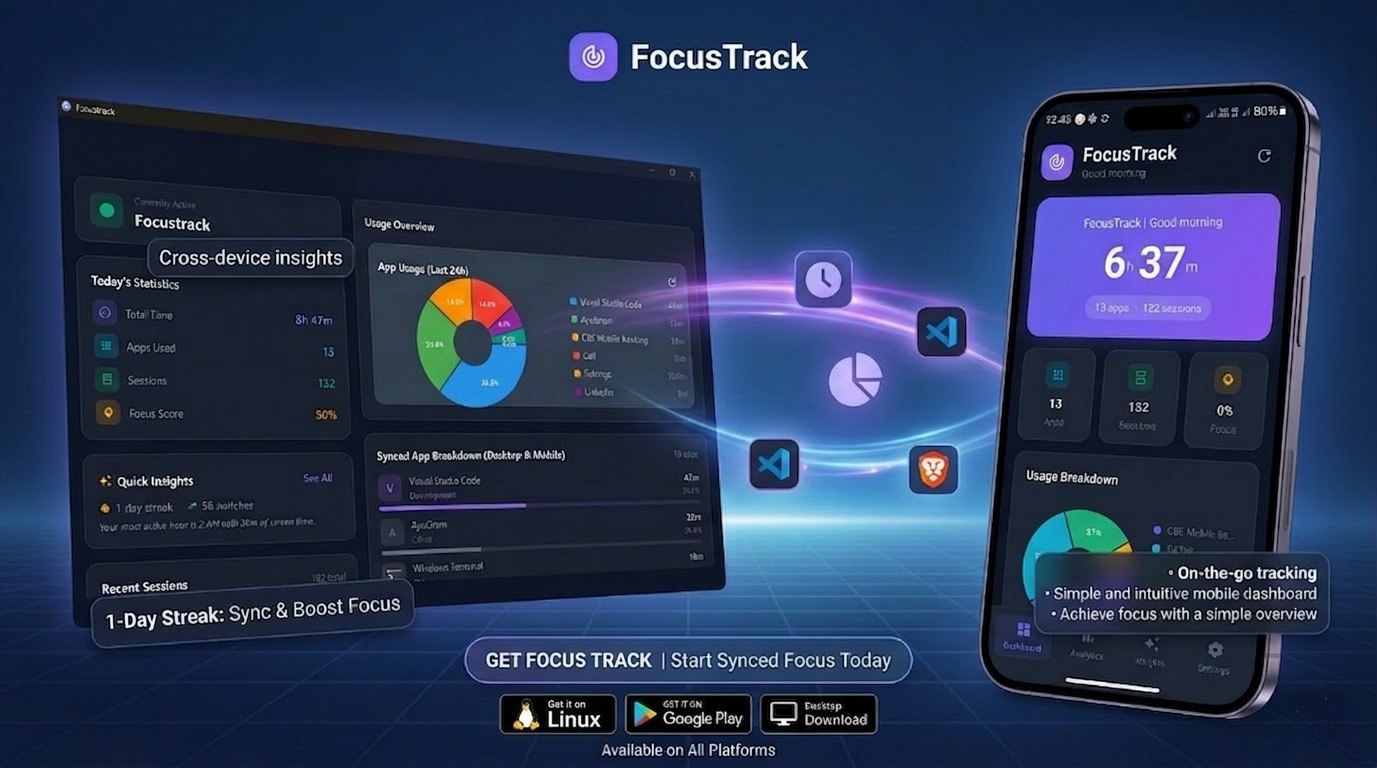
Track screen time across desktop and Android in one dashboard. Local-first analytics, cross-device sync over Wi-Fi, and persistent app limits — zero cloud accounts required.
Detects EVERY App
Telegram, Discord, Electron apps, UWP, browsers — FocusTrack's Win32 FFI engine identifies them all with zero manual setup.
Daily & Weekly Charts
Beautiful timelines, hourly heatmaps, and trend charts so you can see exactly where your time goes.
Smart Usage Limits
Set daily goals, get notified when you exceed them, and build productive streaks.
100% Local — Zero Tracking
Your data never leaves your machine. No cloud, no telemetry, no accounts. Privacy by design.
Low CPU Background Mode
Uses < 0.5% CPU. Polls every 2 seconds with zero impact on your workflow.
App Categorization
Auto-categorizes 150+ apps — Work, Dev, Entertainment, Social — with smart productivity scoring.
CSV Export & Goals
Export your data as JSON/CSV. Set daily productivity goals and track your streaks over months.
Android Companion App
Native Android app tracks real app sessions using Android usage events — app name, start, end, duration — accurate to the second.
Local Wi-Fi Sync
Sync mobile usage to the desktop over your home network. No cloud, no internet needed — data stays local.
Combined Source Modes
Toggle the dashboard between Combined, Desktop, or Mobile. One view answers all your attention questions.
Android App Locking
Set daily limits for Android apps. When time's up, FocusTrack blocks access with a persistent lock screen — no back-button bypass.